
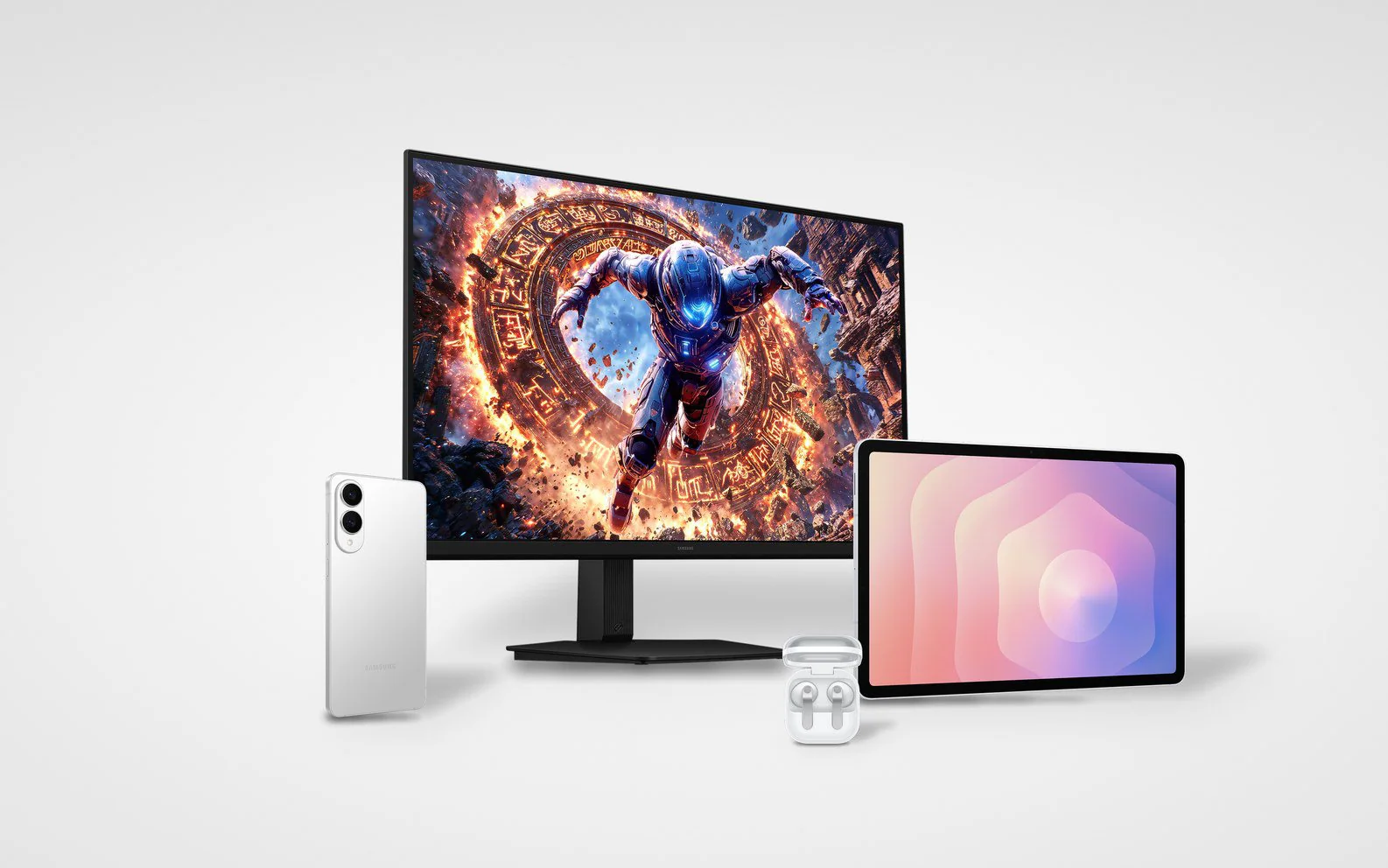
A better chair matters more than a faster processor. We tested dozens of upgrades and kept the nine that made a real difference to how we work.
Most desk makeovers start with a new laptop. Ours started with a sore neck. Over a few months we swapped, tested and argued about every piece of our own setups, and the upgrades that stuck were rarely the expensive ones. Here are the nine we would make again, roughly in order of impact.
1. Put the screen at eye level
The top of your monitor should sit at or just below eye height, about an arm’s length away. A height-adjustable stand or a simple monitor arm does it in minutes, and your neck will notice by the end of the first week.
2. Choose a bigger, sharper monitor
A 27- or 32-inch screen with a high resolution lets you put two documents side by side without squinting. Text looks crisper, and you spend less time hunting for windows.
3. Sit on a chair that fits you
Feet flat on the floor, knees level with your hips and support in the small of your back. If your chair cannot do that, no gadget will fix it.
4. Use the light you already have
Place the desk beside a window rather than facing it or with your back to it. You get daylight without glare on the screen, and a warm desk lamp takes over in the evening.
5. Tame the cables
A tray under the desk, a few reusable ties and one power strip turn a nest of wires into something you can actually clean around. It costs little and makes the whole desk feel calmer.
6. Wear headphones for focus
Noise-cancelling earbuds or headphones block out the dishwasher, the street and the neighbor’s renovation, and they make video calls clearer on both ends.
7. Keep your phone close, but face down
A charging stand at the edge of the desk keeps your phone topped up and in sight for sign-in codes, without pulling you into every notification.
8. Add a second screen for reference
A tablet propped up beside your monitor is ideal for notes, a chat window or tonight’s recipe. It frees the main screen for the work that matters.
9. Leave one surface empty
The best upgrade is free: keep part of the desk clear. A clean space for a notebook or a cup of coffee makes it easier to start the day, and to stop at the end of it.
Where to start
If you change only one thing, raise your screen. If you change two, add the chair. Everything else is a bonus that makes long days a little more pleasant.


The monitor arm alone freed up half my desk. Great list.
I moved my desk next to the window as you suggested, and my afternoon headaches are gone.